Unleashing Texture: The Power of a Versatile Grungy Brush Set and Watercolor Brush Collection
In the evolving landscape of digital design, the quest for authenticity has never been more critical. As screens become sharper and resolutions higher, there is a paradoxical human desire for imperfection. We crave the tactile feel of paper, the unpredictability of ink, and the raw energy of a hand-painted stroke. This is where a comprehensive Grungy Brush Set combined with a dynamic Watercolor Brush collection becomes an indispensable asset for modern creators. These tools are not merely digital shortcuts; they are bridges between traditional artistry and contemporary workflow efficiency, allowing professionals and hobbyists alike to infuse soul into their projects.
The relevance of textured brushes today stems from a broader shift in visual culture. For years, the design world leaned heavily toward flat design, minimalism, and vector perfection. While clean lines have their place, the market is now swinging back toward depth, character, and organic movement. Brands want to tell stories that feel human, not manufactured. A grunge overlay or a watercolor splash can instantly transform a sterile corporate layout into something inviting and memorable. Whether you are designing a book cover that needs to evoke emotion or a social media banner that must stop the scroll, these textures provide the necessary visual weight to ground your composition.
The Evolution of Digital Textures in Modern Workflows
Understanding why these tools matter requires looking at how creative workflows have changed. Ten years ago, achieving a high-quality grunge effect often meant scanning physical materials, cleaning them up in Photoshop, and manually masking them into a design. It was time-consuming and limited by the resolution of the scanner. Today, the availability of high-fidelity digital brushes in formats like ABR for Photoshop and ProCreate has democratized this process. Creators can now apply complex textures with a single click, adjusting opacity and flow to mimic real-world physics.
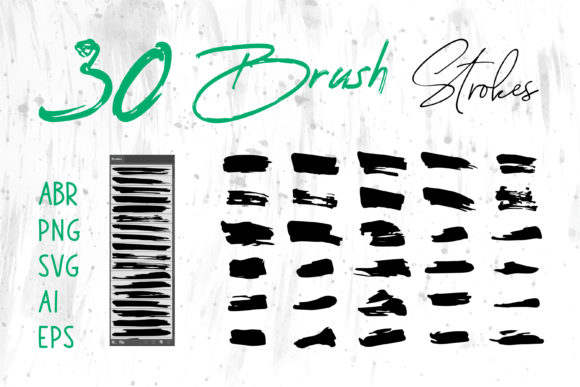
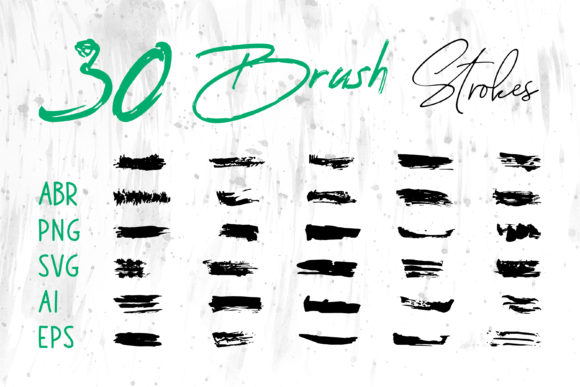
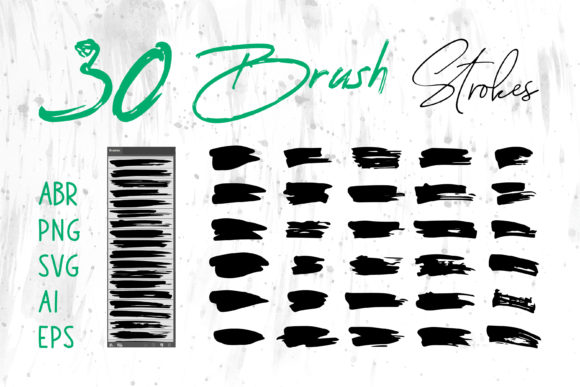
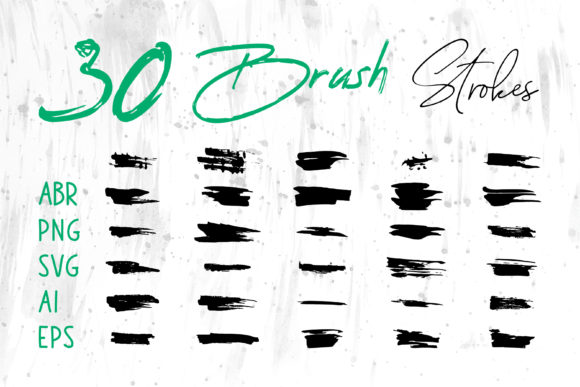
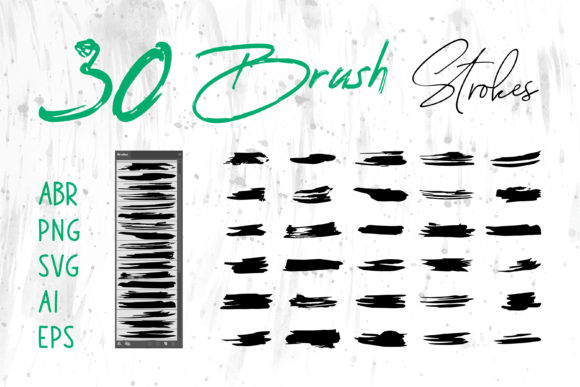
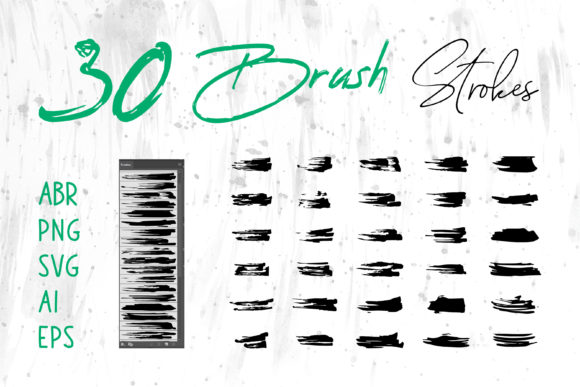
However, the true game-changer lies in versatility. The modern creator rarely works in just one application. A graphic designer might start a concept in ProCreate on an iPad, refine it in Adobe Photoshop, vectorize elements in Adobe Illustrator, and finally lay out the presentation in MS PowerPoint or Adobe InDesign. Historically, moving textured assets between these programs resulted in quality loss or compatibility headaches. This is why having a brush set that includes files in PNG, SVG, AI, EPS, and Brush Strokes.ai is vital. It ensures that your artistic vision remains intact regardless of the software ecosystem you are navigating.
This multi-format approach addresses a significant pain point in the industry: fragmentation. When you possess brush strokes in different formats, you eliminate the need for constant file conversion. You can drag and drop a high-resolution PNG directly into an MS Word document for a polished report, or import an editable AI file into Illustrator to scale a logo without losing edge definition. This flexibility supports the "hybrid" nature of today's gig economy, where freelancers and entrepreneurs must pivot quickly between different client requirements and delivery formats.
Practical Applications Across Industries
The utility of a robust brush collection extends far beyond fine art. Consider the packaging industry, where shelf appeal is everything. A craft beer label or an artisanal soap wrapper often relies on the rugged aesthetic of a grunge brush to communicate "handmade" quality. By utilizing these textures, small business owners can compete visually with larger corporations, creating branding that feels bespoke and premium. Similarly, in the realm of fashion, specifically for T-Shirt design, the demand for vintage and distressed looks continues to thrive. A well-crafted watercolor splash can serve as the centerpiece of a apparel graphic, offering a softness that rigid geometric shapes cannot achieve.
Educators and content creators also find immense value in these assets. In the age of digital learning, static slides are no longer sufficient. Teachers using MS PowerPoint can elevate their lessons by incorporating subtle watercolor backgrounds or grunge borders to highlight key information, making the material more engaging for students. Bloggers and marketers face the constant pressure of producing fresh social media content. A consistent library of brush strokes allows them to create a cohesive visual identity across Instagram, Facebook, and LinkedIn without needing to commission new illustrations for every post. The ability to quickly generate unique banners using pre-made but customizable elements saves hours of production time.
Furthermore, the rise of digital scrapbooking and personal journaling apps has created a new avenue for hobbyists. Individuals looking to document their lives digitally seek tools that replicate the nostalgia of physical albums. Watercolor brushes allow for soft, dreamy overlays, while grunge elements add a sense of history and wear. This trend reflects a deeper psychological need to preserve memories in a way that feels tangible, even within a digital file. The inclusion of formats compatible with various platforms ensures that these personal projects can be printed, shared online, or archived with ease.
Navigating the Technical Landscape: Formats and Compatibility
To fully leverage these creative tools, one must understand the technical strengths of each file format included in a comprehensive set. ABR files are the gold standard for raster-based painting in Photoshop and ProCreate, offering pressure sensitivity and dynamic shape changes that mimic real bristles. These are essential for artists who want to paint directly onto their canvas with full control over texture and flow.
Conversely, vector formats like SVG, AI, and EPS serve a different purpose. They are resolution-independent, meaning they can be scaled from the size of a business card to a billboard without pixelation. This is crucial for logo design and large-format printing. When a client requests a logo that incorporates a grunge element, delivering it as an editable AI file allows them to modify colors or shapes later without degrading the image quality. The inclusion of PNG files with transparent backgrounds offers the best of both worlds for quick integration; they can be dropped into almost any software, from web builders to presentation tools, ready to use immediately.
The interoperability of these files supports a non-linear creative process. You might start with a vector shape in Illustrator, export it as a PNG to add noise and texture in Photoshop using your grunge brushes, and then bring it back into InDesign for a magazine layout. This seamless workflow is what separates amateur designs from professional-grade outputs. It empowers users to experiment without fear of technical limitations, fostering a more iterative and innovative design process.
Strategic Recommendations for Creators and Businesses
For those looking to integrate these tools into their practice, the key is intentionality. Do not simply apply a grunge texture for the sake of it; use it to reinforce the message. If you are designing a website for a law firm, a heavy grunge overlay might be inappropriate, but a subtle watercolor wash could add warmth and approachability. Context is king. Always consider the brand voice and the target audience before applying these effects.
Additionally, maintain organization within your digital assets. With files ranging from ABR to EPS, having a structured folder system will save you time during tight deadlines. Tag your brushes by style—such as "dry," "wet," "splatter," or "scratch"—so you can locate the perfect stroke instantly. For businesses, investing in a high-quality, multi-format brush set is a cost-effective strategy. It reduces reliance on stock photography, which can often look generic, and allows for the creation of proprietary visual assets that distinguish your brand in a crowded marketplace.
It is also worth noting the educational aspect of these tools. For aspiring designers, experimenting with different brush settings in ProCreate or Photoshop is an excellent way to understand light, shadow, and texture. It builds a foundational knowledge of how materials interact, which translates to better decision-making even when working with purely digital elements. Mentors and educators should encourage students to explore the limits of these brushes, pushing them to combine vector precision with raster chaos to find their unique style.
Ultimately, the value of a Grungy Brush Set and Watercolor Brush collection lies in its ability to humanize the digital experience. In a world increasingly mediated by algorithms and pixels, these tools remind us of the beauty in irregularity. They offer a practical solution for a wide array of applications—from craft projects and cards to complex packaging and website designs. By providing flexibility across software like Adobe Illustrator, Photoshop, InDesign, MS Word, and PowerPoint, they empower creators to work smarter, not harder. As we move forward, the fusion of traditional aesthetics with modern technology will continue to define the cutting edge of visual communication, and having the right tools in your arsenal is the first step toward mastering this blend.