Unleashing Creative Potential: A Comprehensive Guide to Grunge and Watercolor Brush Sets
The digital design landscape has evolved significantly, moving away from sterile, vector-perfect lines toward textures that evoke emotion, history, and tactile reality. At the heart of this shift are specialized digital assets known as the Grunge Brush Set and the Watercolor Brush Set. These tools allow creators to infuse organic imperfection into their work, bridging the gap between traditional artistry and modern efficiency. Whether you are a seasoned graphic designer, a hobbyist crafter, or a business owner looking to elevate your brand identity, understanding how to leverage these diverse brush strokes across various file formats is essential for producing compelling visual content.
The Power of Texture in Digital Design
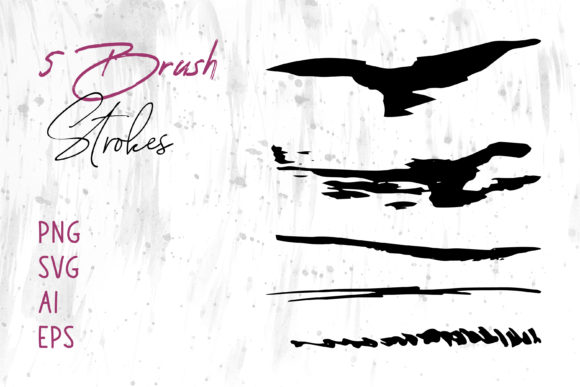
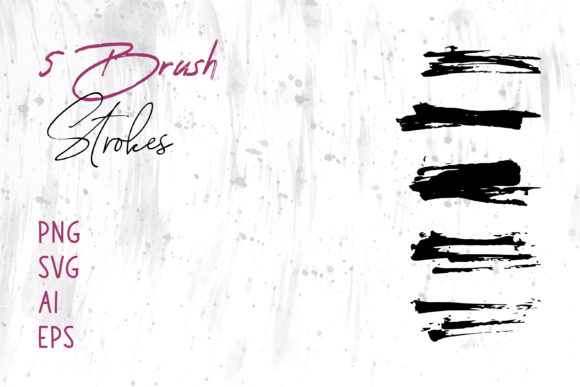
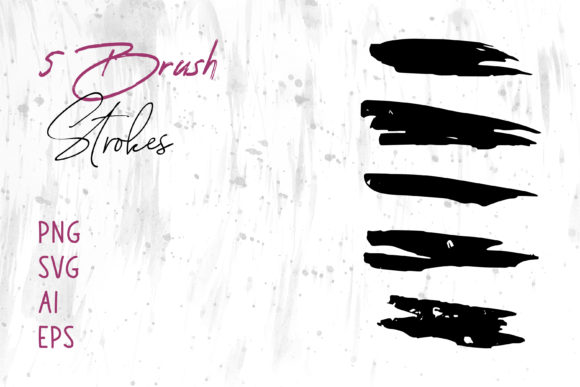
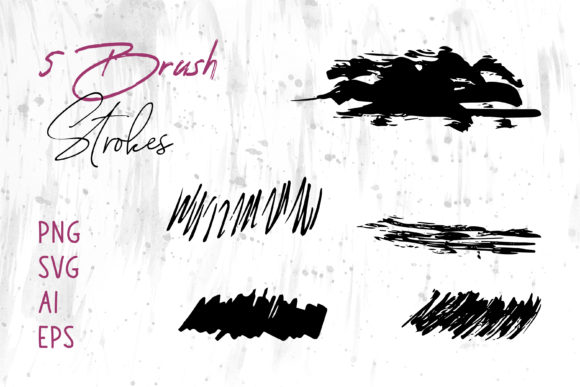
In an era where screens dominate our consumption of media, adding texture is a powerful way to capture attention. Flat design has its place, but it often lacks the depth required to tell a complex story. This is where the Grunge Brush Set becomes indispensable. Grunge textures introduce elements of wear, tear, decay, and raw energy. They simulate the look of stamped ink, distressed paper, or spray paint, providing a gritty aesthetic that resonates with audiences seeking authenticity.
Conversely, the Watercolor Brush Set offers a completely different emotional palette. Watercolor is associated with fluidity, transparency, and softness. It brings a sense of calm, elegance, and handcrafted warmth to digital projects. When designers utilize high-quality watercolor simulations, they can achieve the delicate bleeding of pigments and the subtle variations in opacity that define the medium, all without the mess of physical paints. Together, these two distinct styles cover a vast spectrum of artistic needs, from the aggressive and bold to the serene and delicate.
Navigating File Formats for Maximum Compatibility
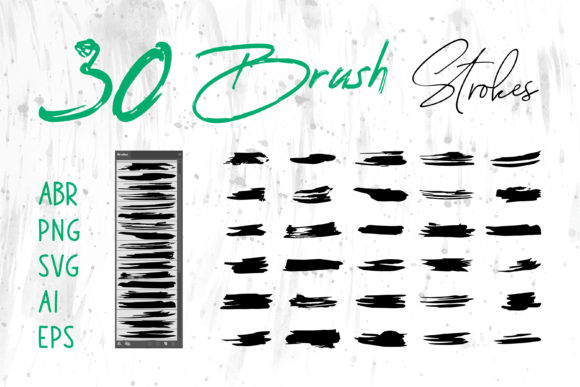
One of the most significant advantages of modern digital asset packages is versatility. A robust collection typically includes files in multiple formats such as ABR, ProCreate, PNG, SVG, AI, EPS, and specific Brush Strokes.ai files. Understanding the function of each format ensures you can integrate these graphics seamlessly into your workflow, regardless of the software you prefer.
For users of Adobe Photoshop, the ABR (Adobe Brush) file is the gold standard. Loading a Grunge or Watercolor set into Photoshop allows for dynamic painting, where pressure sensitivity and tablet tilt can alter the stroke in real-time. Similarly, iPad artists relying on ProCreate will find native brush sets crucial for maintaining a natural feel on a touch interface. These formats preserve the intricate details of the brush tip, ensuring that every stroke of a watercolor wash or grunge splatter behaves realistically.
However, the utility of these assets extends far beyond raster-based painting programs. The inclusion of vector formats like SVG, AI, and EPS is a game-changer for scalability. Vector files allow you to resize graphics infinitely without losing quality, making them perfect for large-format printing or high-resolution displays. When you utilize Brush Strokes.ai files within Adobe Illustrator, you gain the ability to edit anchor points, change colors instantly, and manipulate the shape of the stroke while retaining its textured appearance. This flexibility is vital for logo design and branding, where precision and adaptability are paramount.
Furthermore, the presence of PNG files with transparent backgrounds ensures immediate usability in presentations and documents. Users of MS Word and MS PowerPoint can simply drag and drop these pre-rendered grunge splatters or watercolor blooms to enhance slides and reports, adding a professional design touch without needing advanced editing skills. This cross-platform compatibility means that a single purchase empowers you to work across Adobe InDesign for layout, Illustrator for vector art, and office suites for communication.
Diverse Applications Across Industries
The applications for these brush sets are nearly limitless, catering to a broad audience of creators. In the realm of T-Shirt design and apparel, the Grunge Brush Set is particularly popular. Fashion brands often seek a vintage or streetwear aesthetic, and grunge textures provide the perfect distressed look that mimics aged fabric or screen-printing errors. Designers can layer these strokes to create complex graphics that feel worn and loved before the shirt is even printed.
In contrast, the wedding and event industry frequently relies on the Watercolor Brush Set. From Card invitations to Packaging for boutique products, the soft edges and pastel capabilities of watercolor brushes convey sophistication and romance. A florist might use these digital brushes to create custom illustrations for their boxes, while a stationery designer could craft unique borders for greeting cards that look hand-painted.
Book Cover design is another field where these tools shine. A thriller novel might utilize harsh, dark grunge strokes to evoke tension and mystery, whereas a self-help or poetry book might benefit from the soothing, organic flow of watercolor elements. The ability to switch between these styles allows cover designers to visually communicate the genre and tone of the literature instantly.
For digital marketers and social media managers, these assets are essential for creating engaging Social Media Banners and posts. In a feed saturated with polished corporate imagery, a post featuring a textured grunge background or a hand-drawn watercolor accent stands out. It humanizes the brand, suggesting creativity and approachability. Additionally, Website headers and hero images can be elevated by incorporating these textures, breaking up the monotony of solid color blocks and adding visual interest that keeps visitors scrolling.
Enhancing Craft Projects and Digital Scrapbooking
Beyond professional commercial design, these brush sets have found a beloved home in the community of hobbyists and crafters. Digital Scrapbooks have surged in popularity as people look for ways to preserve memories with a personalized touch. By using PNG or ProCreate versions of watercolor brushes, users can create whimsical frames, journaling cards, and embellishments that mimic traditional scrapbooking materials without the physical clutter.
Educators and researchers also benefit from these tools when creating visual aids. A teacher designing a history presentation might use grunge textures to simulate old parchment or battle maps, making the lesson more immersive. Similarly, a researcher presenting data could use subtle watercolor washes to highlight key areas of a chart, making the information more digestible and visually appealing in MS PowerPoint or PDF reports.
Workflow Integration and Best Practices
To get the most out of a Grunge Brush Set and Watercolor Brush Set, it is important to understand how to layer and blend them effectively. In raster programs like Photoshop, utilizing blending modes such as "Multiply," "Overlay," or "Screen" can integrate the texture naturally into the underlying image. For instance, placing a grunge texture over a photograph and setting the blend mode to Overlay can instantly give the photo a gritty, editorial look.
When working in vector environments like Adobe Illustrator with AI or EPS files, consider the complexity of the paths. High-detail brush strokes can contain thousands of anchor points, which may slow down performance if overused. It is often best to use these detailed vectors for focal points, such as a Logo icon or a primary illustration, while using simpler shapes or rasterized versions for background elements.
Color theory also plays a critical role. While grunge brushes often look striking in monochrome or muted earth tones, watercolor brushes thrive on transparency and color mixing. Experimenting with opacity settings in your software can replicate the way real watercolor pigment pools and dries, creating depth and dimension that flat colors cannot achieve.
Considerations for Professional Use
While the creative possibilities are endless, professionals must also consider licensing and resolution. When using these graphics for commercial Packaging or large-scale Banner prints, ensure that the raster files (PNG) are at a high enough DPI (dots per inch) to prevent pixelation. Vector files (SVG, AI, EPS) generally do not have this limitation, making them the safer choice for large-format output.
Additionally, consistency is key in branding. If a company chooses a grunge aesthetic for its T-Shirt line, it should carry that texture through to its Website and social media assets to maintain a cohesive brand identity. Conversely, a brand built on the elegance of watercolor should avoid jarring transitions to harsh grunge elements unless intentionally creating a contrast for a specific campaign.
The Future of Textured Digital Art
As technology advances, the line between digital and traditional continues to blur. The availability of comprehensive brush sets that include everything from ABR to Brush Strokes.ai demonstrates a commitment to accessibility and flexibility. These tools democratize high-end design, allowing a small business owner to create professional-grade Logo designs or a student to produce stunning Digital Scrapbooks with the same resources used by top agencies.
Ultimately, the value of a Grunge Brush Set or Watercolor Brush Set lies not just in the files themselves, but in the creative freedom they unlock. They empower users to break free from the constraints of perfect geometry and inject soul, character, and humanity into their digital creations. Whether you are designing a Book Cover, crafting a Card, or laying out a magazine in InDesign, these textures serve as the bridge between your imagination and the final product, ensuring your work resonates deeply with your audience.