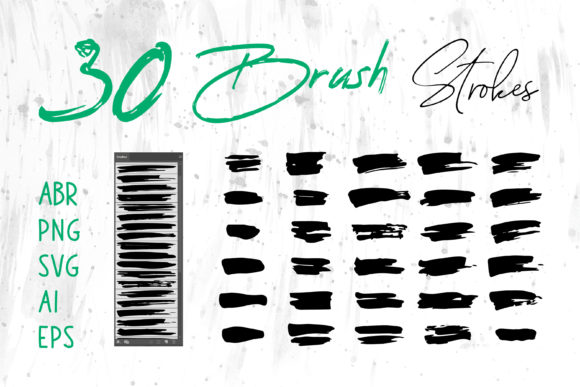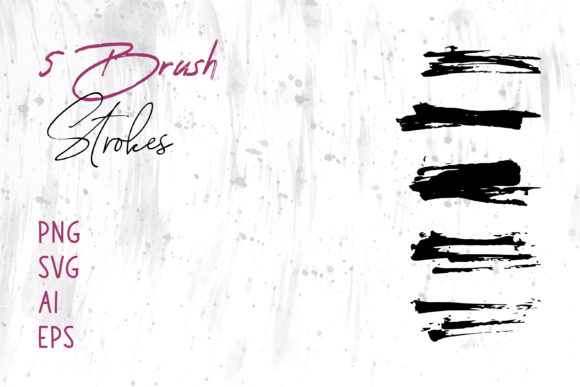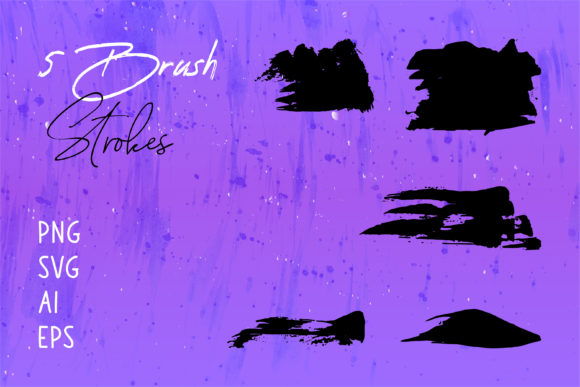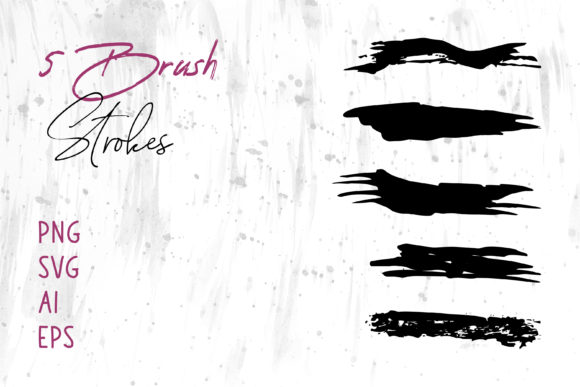
Abstract Vector Brush Strokes & Shapes Guide
Designing visually striking content often comes down to the details, and few elements add as much personality and movement as abstract vector brush strokes and shapes. Whether you are a seasoned graphic designer or a small business owner trying to create your first social media post, these graphical elements serve as versatile building blocks for creativity. They bridge the gap between rigid geometric designs and the organic feel of hand-painted art, offering a unique aesthetic that captures attention without overwhelming the viewer.
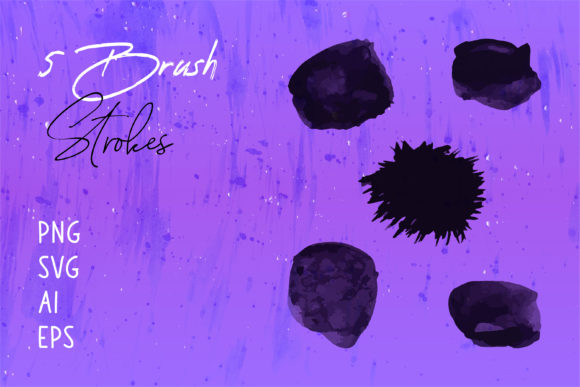
At their core, these assets are digital representations of traditional paintbrush marks, ink splatters, and fluid lines, but with a crucial technological advantage: they are vector-based. This means they are constructed using mathematical paths rather than fixed pixels. The result is an image that can be scaled up to the size of a billboard or down to a business card icon without ever losing clarity or becoming pixelated. When you access a collection that includes files like Brush Strokes.ai, along with PNG, SVG, and EPS formats, you are unlocking a toolkit designed for maximum flexibility across almost any software environment.
Why Vector Formats Matter for Your Projects
The primary appeal of using abstract vector brush strokes and shapes lies in their adaptability. In the digital design world, file format compatibility is often a hurdle. A beginner might struggle to open an Adobe Illustrator file if they only have Microsoft Word, while a professional might need an EPS file for a large-format print job. By providing a comprehensive suite of formats—specifically PNG, SVG, AI, and EPS—these resources ensure that no matter what tool you prefer, you can integrate high-quality graphics into your workflow.
For users working in Adobe Photoshop, the PNG files offer immediate usability with transparent backgrounds, allowing you to drag and drop textures directly onto your canvases. If you are using Adobe Illustrator or InDesign, the AI and EPS files allow you to ungroup paths, change colors instantly, and modify the stroke weight to fit your specific brand guidelines. Even for those relying on office software like MS Word or MS PowerPoint, the SVG and PNG options ensure that your presentations and documents look polished and professional rather than generic.
Practical Applications Across Industries
The versatility of these brush strokes extends far beyond simple decoration. They solve specific design problems by adding depth, motion, and emotion to static layouts. Here is how different creators can leverage these assets effectively:
- Branding and Logos: A clean, corporate logo often benefits from a single, dynamic brush stroke to suggest innovation or speed. Because vectors are editable, you can easily match the stroke color to your exact brand palette.
- Packaging Design: Product packaging needs to stand out on crowded shelves. Abstract shapes can create unique patterns or background textures that convey a premium or artisanal feel, particularly for cosmetics, food, or craft beverages.
- Apparel and Merchandise: For T-shirt designs, the scalability of vector files is essential. You can place a complex arrangement of brush strokes on a chest pocket or scale it up for a full-back print without worrying about resolution limits.
- Digital Marketing: Social media banners and website headers require eye-catching visuals that load quickly. SVG files are particularly valuable here as they are lightweight and render crisply on all screen sizes, from mobile phones to desktop monitors.
- Educational and Corporate Materials: Educators and marketers can use these shapes to highlight key points in presentations or to break up text in reports, making dense information more digestible and visually engaging.
Enhancing Creative Workflows for Beginners and Pros
One of the most significant advantages of utilizing pre-made abstract vector brush strokes and shapes is the time saved. Creating custom, natural-looking brush textures from scratch requires significant skill and time in digital painting software. By starting with high-quality base elements, you can focus on composition and messaging. A freelancer working on a tight deadline for a book cover can quickly assemble a dramatic background by layering different strokes, adjusting their opacity, and blending modes to create a unique atmosphere.
Furthermore, these elements are excellent for digital scrapbooking and personal craft projects. Hobbyists who enjoy creating digital planners, invitations, or greeting cards can use these shapes to add a handmade touch to their digital creations. The organic nature of the strokes contrasts beautifully with standard fonts and photos, giving personal projects a warm, authentic feel that purely digital elements often lack.
Key Considerations Before You Begin
While these tools are powerful, getting the best results requires a bit of strategic thinking. First, consider the context of your design. Abstract strokes are energetic and expressive; they work wonderfully for creative industries, lifestyle brands, and event promotions. However, if you are designing for a highly regulated industry like finance or law, you may want to use them sparingly as subtle accents rather than dominant features to maintain a sense of stability and trust.
Secondly, pay attention to layering and hierarchy. When using multiple brush strokes, ensure they do not clutter the design or make text unreadable. A good rule of thumb is to use the strokes to frame your content or guide the viewer's eye toward a call-to-action, rather than letting them compete with the main message. Since you have access to editable vector files, take the time to simplify paths if necessary, ensuring your final output is clean and efficient.
Finally, think about color theory. While many brush stroke packs come in black or standard colors, the true power of vector files is the ability to recolor them instantly. Experiment with gradients, duotones, or brand-specific colors to ensure the graphics feel integrated into your project rather than pasted on top. Whether you are designing a vibrant festival poster or a minimalist wedding invitation, the right color application can completely transform the mood of the abstract shapes.
In summary, incorporating abstract vector brush strokes and shapes into your design repertoire offers a blend of artistic flair and technical convenience. With the right mix of file formats like AI, EPS, SVG, and PNG, you are equipped to tackle projects ranging from professional logos and packaging to casual social media updates and personal crafts. By understanding how to manipulate these flexible elements, you can elevate your visual storytelling, save valuable production time, and create designs that resonate with your audience.