Choosing the Right Brush Stroke Illustration: A Guide to Formats, Applications, and Design Fit
In the evolving landscape of digital design, brush stroke illustration has emerged as a vital tool for creators seeking to inject organic warmth into otherwise sterile digital environments. Unlike vector geometry or pixel-perfect icons, brush strokes mimic the imperfections, texture, and fluidity of traditional painting. This style bridges the gap between handcrafted artistry and modern scalability, making it a preferred choice for branding, packaging, and digital media. However, selecting the right assets involves more than just aesthetic preference; it requires a clear understanding of file formats, software compatibility, and the specific demands of your project.
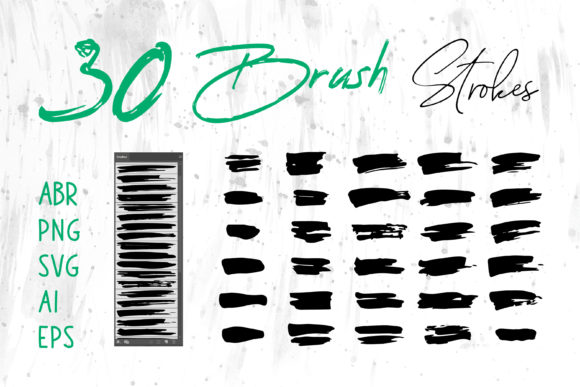
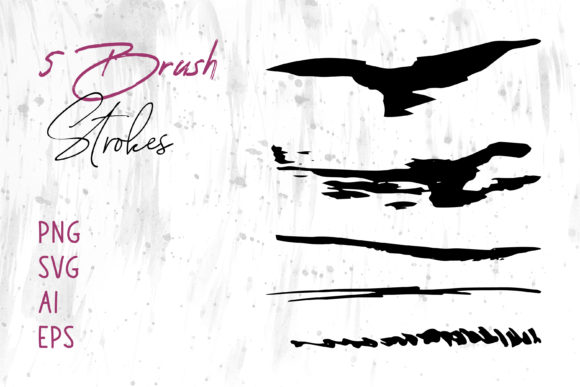
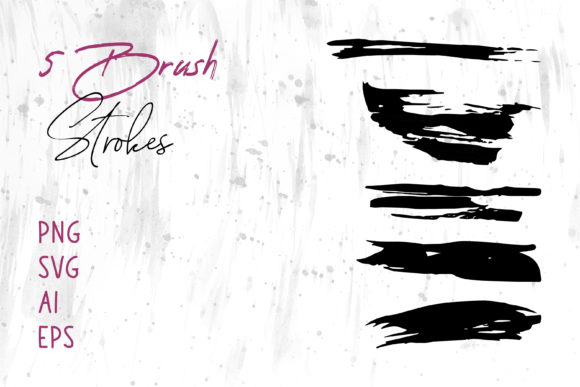
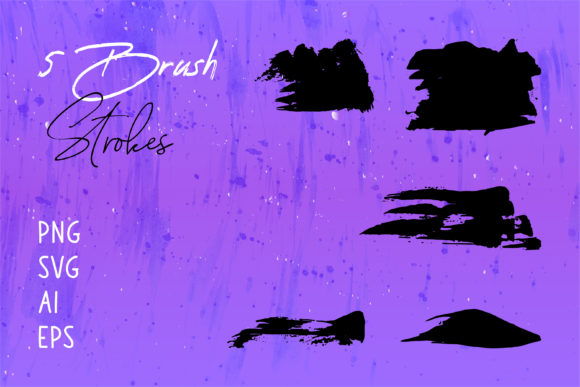
When evaluating resources, you will often encounter bundles offering multiple file types, such as PNG, SVG, AI, EPS, and specialized collections like Brush Strokes.ai. Understanding the distinct advantages of each format is crucial for determining whether a particular asset fits your workflow. This guide explores the nuances of brush stroke illustrations, compares available formats, and helps you decide when this stylistic approach is the optimal solution for your creative needs.
Defining the Aesthetic and Functional Value
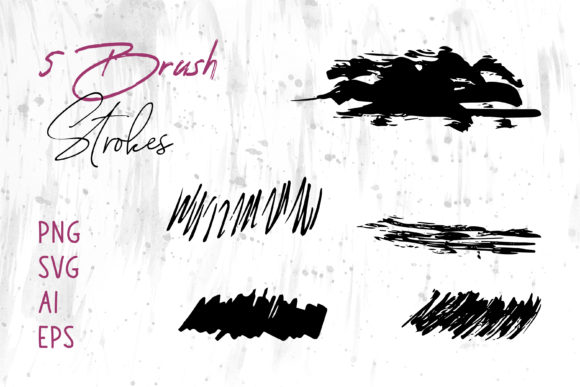
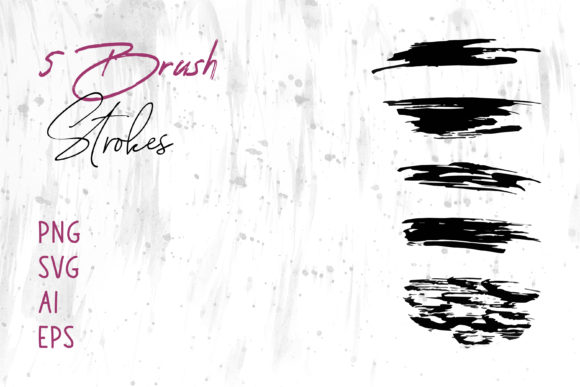
At its core, a brush stroke illustration replicates the physical act of painting. It captures the pressure, speed, and direction of a brush moving across a surface. What makes this style distinct from other graphic elements is its inherent irregularity. While flat design relies on uniformity and solid colors, brush strokes introduce texture, opacity variations, and edge roughness that suggest human touch.
This aesthetic is particularly powerful in contexts where brands wish to appear approachable, artisanal, or dynamic. For instance, a coffee shop logo utilizing a rough, ink-like stroke conveys a sense of craft and tradition that a sleek, geometric sans-serif logo might not. Similarly, in web design, these elements can break up rigid grid structures, guiding the user's eye with a more natural flow. The value lies not just in the visual appeal but in the emotional resonance the texture provides.
Navigating File Formats: PNG vs. Vector (SVG, AI, EPS)
One of the most critical decisions when acquiring brush stroke assets is choosing the correct file format. Most comprehensive packs include a variety of options to ensure compatibility across different software ecosystems, including Adobe Illustrator, Photoshop, InDesign, MS Word, and PowerPoint. Each format serves a specific purpose and comes with its own set of tradeoffs.
Raster Formats: The Role of PNG
PNG (Portable Network Graphics) files are raster images, meaning they are composed of a fixed grid of pixels. They are ideal for users who need immediate usability without worrying about vector paths or anchor points. PNGs support transparency, allowing you to overlay brush strokes onto any background color or image seamlessly.
- Best for: Quick integration into presentations (MS PowerPoint), documents (MS Word), web banners, and social media graphics where resizing is minimal.
- Limitations: Raster images lose quality when scaled up. If you stretch a small PNG brush stroke to fit a large billboard or packaging wrap, it will become pixelated and blurry.
- Workflow: Drag-and-drop simplicity. No specialized design knowledge is required to place a PNG into a document.
Vector Formats: The Power of SVG, AI, and EPS
For professional designers working in Adobe Illustrator or similar vector-based tools, formats like SVG, AI, and EPS are indispensable. These files define shapes using mathematical paths rather than pixels. Collections labeled Brush Strokes.ai specifically cater to this demographic, offering native compatibility with industry-standard software.
- Scalability: The primary advantage of vector formats is infinite scalability. You can resize a brush stroke from a business card to a building wrap without any loss in resolution or sharpness.
- Editability: Unlike PNGs, vector strokes can be manipulated. You can change the color instantly, adjust the thickness of the path, or even distort the shape to fit a specific layout requirement.
- Software Compatibility:
- AI: Native Adobe Illustrator format; retains layers and editing capabilities best within the Adobe ecosystem.
- EPS: A universal vector format compatible with almost all design software, including older versions of CorelDRAW and InDesign.
- SVG: Ideal for web development and responsive design, as it scales perfectly on any screen size and can be styled with CSS.
Comparing Brush Strokes to Alternative Design Elements
To make an informed decision, it is helpful to compare brush stroke illustrations against other common graphic resources. While brush strokes offer unique benefits, they are not always the appropriate choice for every scenario.
Brush Strokes vs. Geometric Shapes
Geometric shapes (circles, squares, triangles) convey stability, order, and modernity. They are excellent for tech companies, financial institutions, and corporate reports where clarity and precision are paramount. In contrast, brush stroke illustration introduces chaos and movement. If your goal is to communicate reliability and strict adherence to rules, geometric shapes may be superior. However, if you aim to evoke creativity, freedom, or handmade quality, brush strokes are the better fit.
Brush Strokes vs. Photographic Textures
Photographic textures provide hyper-realism but can often feel heavy or distracting in a layout. They also come with licensing complexities regarding model releases or property rights. Brush strokes offer a stylized abstraction of texture. They provide the "feel" of a material without the visual noise of a high-resolution photograph, making them easier to integrate into clean layouts without overwhelming the primary content.
Brush Strokes vs. Hand-Drawn Custom Art
The ultimate alternative to stock brush strokes is commissioning custom hand-drawn art. Custom art offers 100% uniqueness but comes with significant time and cost investments. Stock brush stroke packs, especially those containing diverse formats like AI and EPS, offer a middle ground. They provide high-quality, editable vectors at a fraction of the cost of custom illustration. For startups, small businesses, or rapid prototyping, stock assets allow for professional results without the lead time of a bespoke commission.
Practical Applications and Use Cases
The versatility of brush stroke assets allows them to function effectively across a wide array of mediums. When you acquire a multi-format pack, you unlock the ability to deploy these graphics consistently across both print and digital channels.
- Branding and Logos: Vector formats (AI/EPS) allow designers to incorporate strokes into logos that need to scale from favicons to storefront signs. The organic nature of the stroke can soften a brand's image.
- Packaging Design: On product packaging, brush strokes can highlight key features or create a background pattern that suggests premium quality. The tactile look of the stroke complements physical materials like cardboard or glass.
- Digital Scrapbooks and Craft Projects: For hobbyists using software like MS Word or PowerPoint, PNG files are perfect for creating digital invitations, greeting cards, or scrapbook pages. The transparency ensures the strokes blend naturally with photos and text.
- Web and Social Media: SVG files are increasingly popular for website headers and social media banners. They load quickly and remain crisp on high-DPI mobile screens. Brush strokes can serve as dynamic dividers between content sections or as background accents to add depth.
- Book Covers: The publishing industry frequently utilizes brush strokes to denote genre—rough, dark strokes for thrillers; light, watercolor-style strokes for romance or memoirs.
Decision Factors: When to Choose Brush Strokes
Selecting the right resource depends on your specific project constraints and goals. Consider the following factors before downloading or purchasing a set of brush strokes:
1. Output Medium: If your final output is strictly digital and fixed-size (e.g., an Instagram post), PNGs may suffice. If you anticipate needing the graphic for large-format printing or various screen sizes, prioritize vector formats like SVG or AI.
2. Editing Requirements: Do you need to change the color of the stroke to match a specific brand palette? If yes, raster PNGs will require complex masking or recoloring tools that often yield poor results. Vector files allow for instant color changes via the software's fill tool.
3. Software Proficiency: Users comfortable with Adobe Illustrator can maximize the potential of Brush Strokes.ai files by manipulating anchor points. Users relying on office suites like MS Word or PowerPoint should focus on high-resolution PNGs for ease of use.
4. Brand Personality: Evaluate whether the "handmade" aesthetic aligns with your message. In highly regulated industries or contexts requiring absolute neutrality, the expressiveness of a brush stroke might be perceived as too informal.
Conclusion
Brush stroke illustration represents a versatile intersection of traditional artistry and digital utility. By offering assets in diverse formats such as PNG, SVG, AI, and EPS, creators can adapt these organic elements to suit everything from quick presentation slides to complex packaging designs. While they are not a universal solution for every design challenge—particularly where rigid precision is required—their ability to convey emotion, movement, and humanity makes them an invaluable resource in the modern designer's toolkit. Whether you are crafting a logo, designing a book cover, or enhancing a social media banner, understanding the strengths and limitations of each file format ensures you select the right tool for the job.